Building on the scripts released in June 2016 for DL (Distribution List or Distribution Group) migration, you can now migrate a distribution group to an Office 365 group directly from the Exchange Admin Center with one click. This feature is rolling out over the next few weeks as per the message in our O365 Tenant.
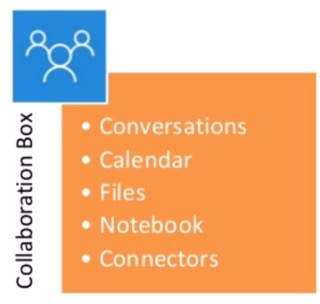
Office 365 Groups provides cross-application group membership to enable teams to:
- Document collaboration
- Shared calendar
- Group OneNote
- Ability to access past conversations
- Planning tool for organising and assigning tasks and getting updates on project progress
- Connectors to access third party services
You can follow steps from the following link to migrate Exchange distribution group to Office 365 Group.
https://technet.microsoft.com/library/bb124513(v=exchg.160).aspx
-Chirag

 Chirag Patel
Leave a comment