In SharePoint Online, part of Office 365 offering, the way you import web parts is done differently than the traditional methods with on-premise SharePoint installations.
The way SharePoint web parts are imported with on-premise versions is you simply navigate to the web page and in edit mode, click Insert Web Part and you get presented with nice layout of web part options together with Upload a Web Part link – quick and easy.
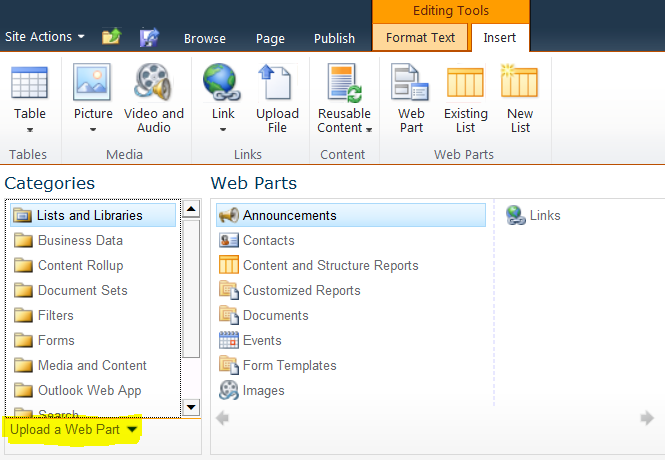
However, in SharePoint Online environment, when you click Insert Web Part you get the following options with Silverlight control. Unfortunately, there is NO upload a web part link to be found  .
.
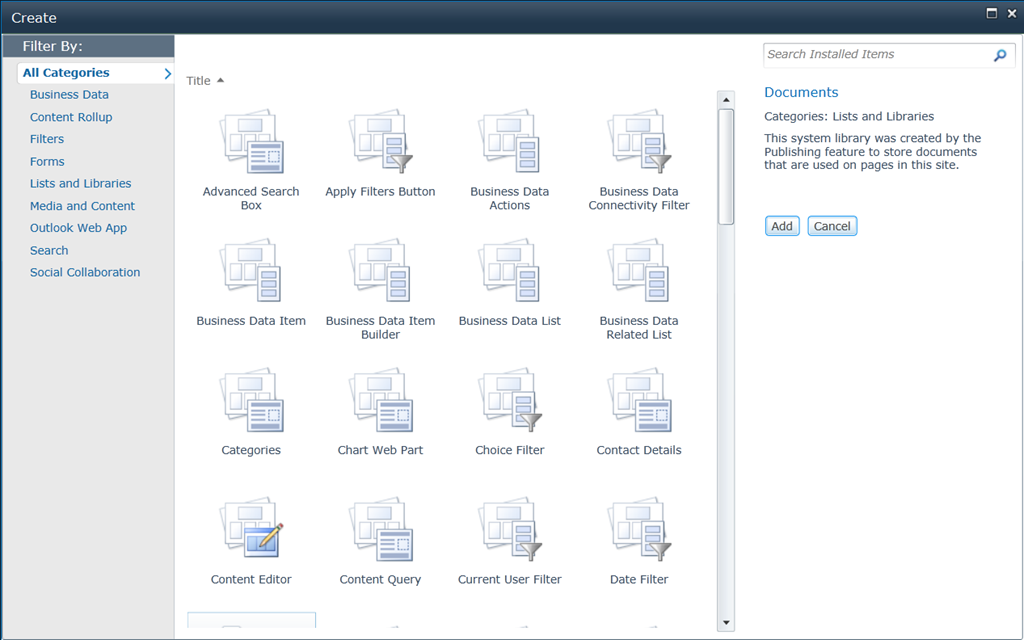
So the way you get around this is to navigate to Site Collection Settings (or ask your Site Collection Administrator) and Web Part Galleries area.
Upload your web part file and assign the best possible group including a custom group if you wish. Once uploaded, then it becomes available to add your web part in your web page.
Hope this post saves you time if you’re faced with this situation!


 Chirag Patel
Leave a reply to Richard Joosten Cancel reply